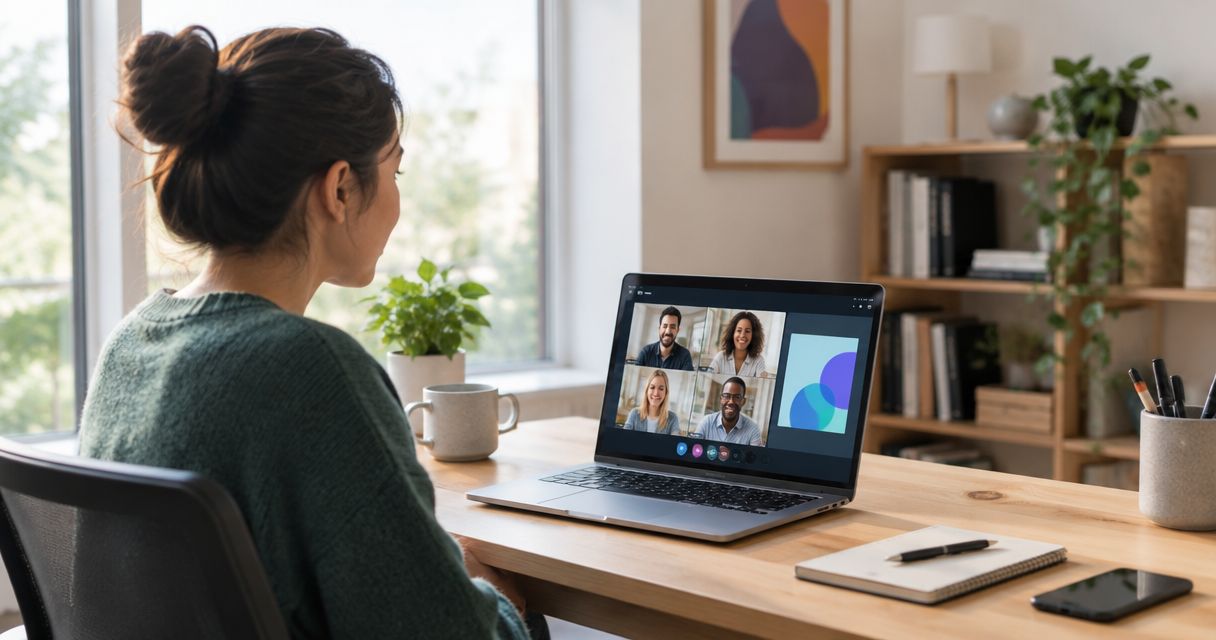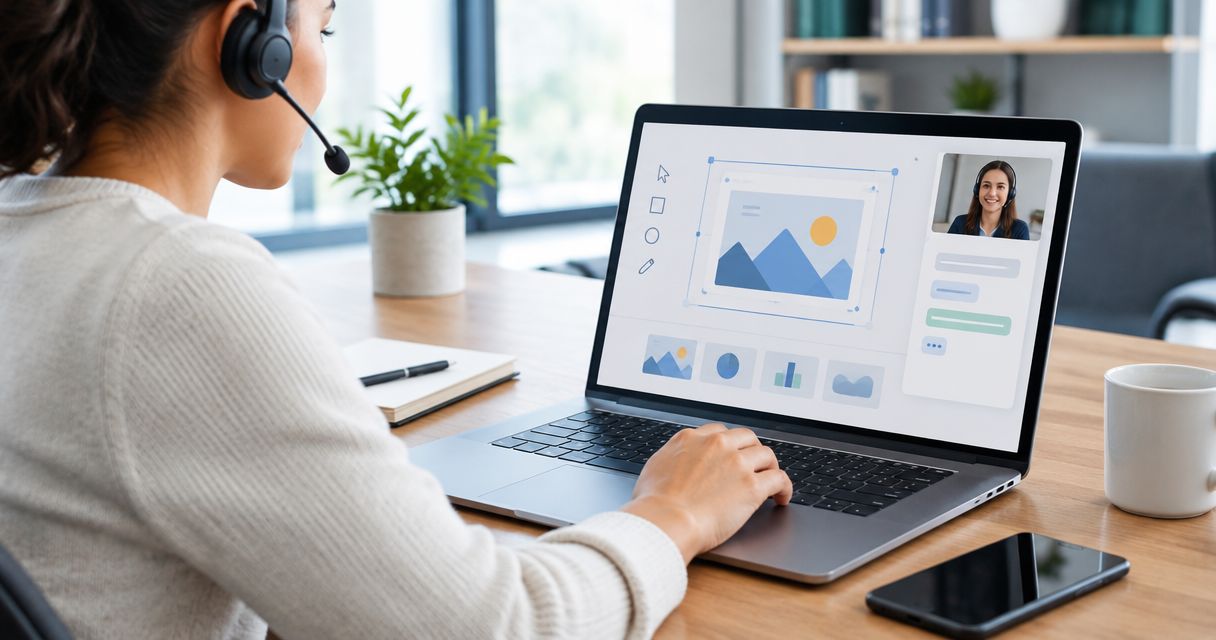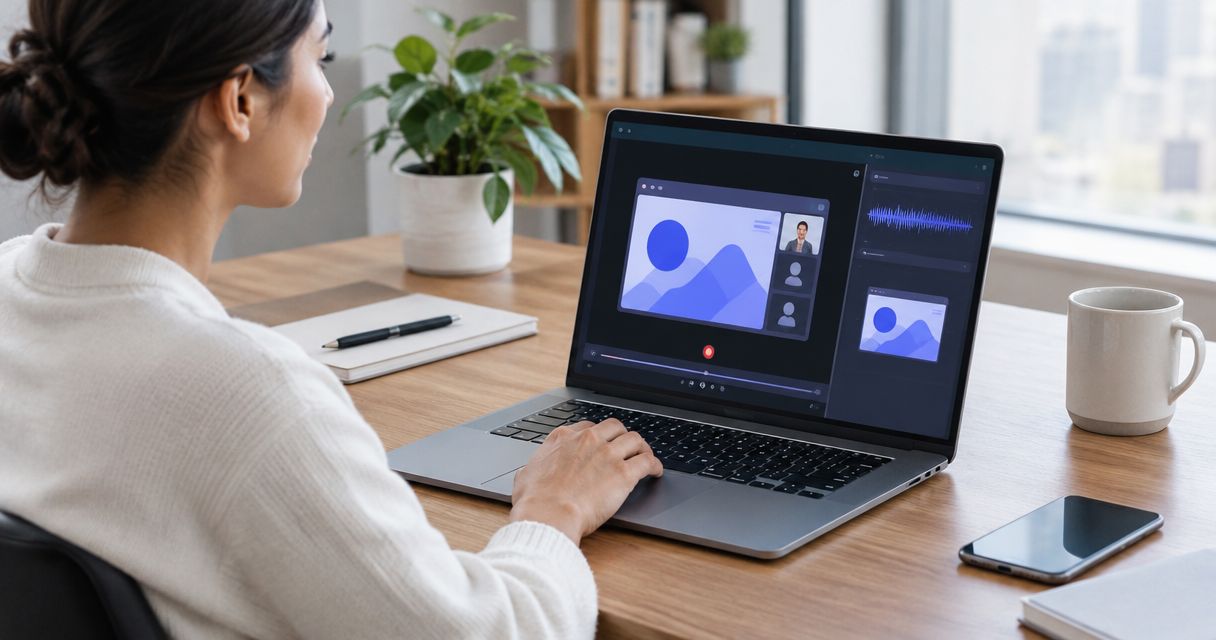
Best candidate for asynchronous screenshots, recordings, and guides: Zight. Best candidate for an existing video-message workflow: Loom. Best candidate for meeting-centered recording: Microsoft Teams. These are workflow-based evaluation picks for 2026, not blanket HIPAA endorsements: approve the exact plan, signed business associate agreement, recording features, and sharing configuration before capturing protected health information.
- For best hipaa compliant screen recording software, shortlist Zight for asynchronous screen capture and documentation, subject to compliance approval.
- Evaluate Loom first when comparing an existing video-message workflow; review Microsoft Teams when meeting recording is the priority.
- A signed BAA does not replace access controls, retention rules, staff training, or an approved recording workflow.
- Test recording, video requests, screenshots, and SOP creation separately using synthetic healthcare examples.
Why this matters
A healthcare recording can expose more than the application you intended to show. Browser tabs, notifications, audio, filenames, and shared links all belong in the review.
The buying decision is therefore bigger than whether a recorder captures a screen. You need to know who can view the result, where copies travel, how access ends, and which features your agreement covers.
For a 2026 purchase, separate workflow fit from compliance approval. Choose the tool that solves the task, then approve the complete path from capture to deletion. A familiar interface cannot substitute for that review.
What makes the best HIPAA-compliant screen recording software?
Use these criteria before comparing products. Treat the first criterion as a gate, not a feature that other strengths can outweigh.
- Contractual coverage: Confirm the exact legal entity, subscription, signed BAA, and services covered. Read exclusions rather than relying on a security badge.
- Capture scope: Evaluate screenshots, screen video, microphone audio, and requested recordings separately. Approving one does not approve the others.
- Access control: Check authentication, recipient restrictions, administrative ownership, and how access is revoked. Test the recipient experience directly.
- Content lifecycle: Establish retention, deletion, downloads, exports, and responsibility for copies outside the original recording system.
- Documentation boundaries: Review transcription, summaries, and generated guides as additional processing steps. Do not assume recording approval includes them.
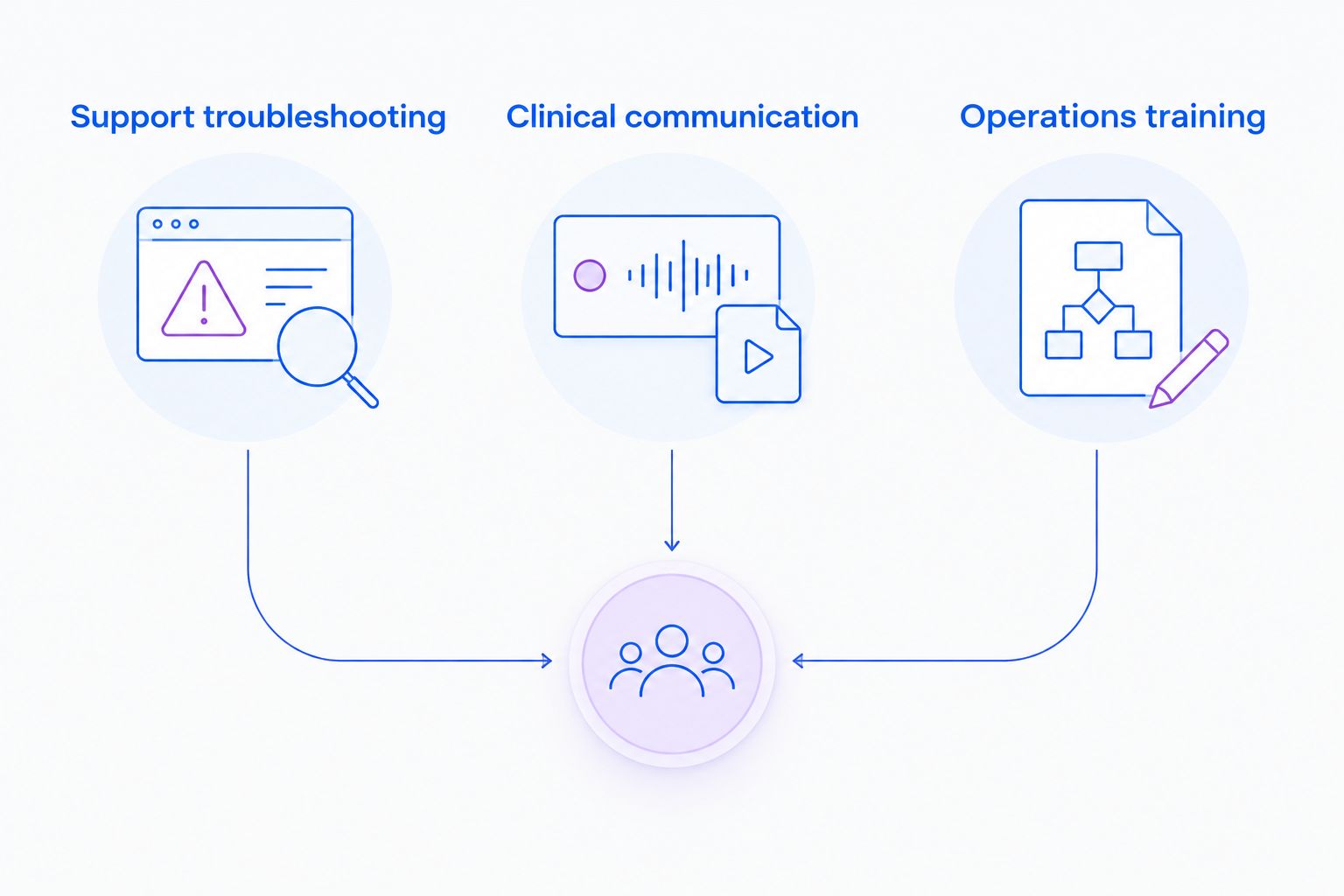
- Workflow fit: Test support troubleshooting, clinical communication, and operations training with the people who will actually use them.
Ask vendors to answer against the configuration you intend to purchase in 2026. A general statement about healthcare customers does not establish that your proposed workflow is covered.
Candidates at a glance
Start the competitor discussion with Loom if your team already uses video messages. Compare the work you need to complete, then apply the same compliance gates to every candidate.
| Candidate | Best for | Workflow distinction | Key limitation to resolve |
|---|---|---|---|
| Zight | Asynchronous capture and documentation | Screenshots, recordings, and AI-powered guides in the supplied product description | Verify contractual coverage for each capture, request, and documentation feature |
| Loom | Existing video-message workflows | Screen-recorded messages rather than a meeting-first process | Verify the exact plan, BAA position, and permitted healthcare workflow |
| Microsoft Teams | Meeting-centered recording | Screen sharing and recording within a collaboration environment | Meeting recording is not the same workflow as screenshot capture or requested troubleshooting videos |
The table ranks evaluation fit, not security certification. No row establishes permission to process protected health information, and no feature should be treated as included in a BAA without confirmation.
1. Zight: best screen capture candidate for asynchronous documentation
Zight is the best evaluation fit for teams that need screenshots, screen recordings, and AI-powered guides in an asynchronous workflow. Its supplied product description identifies support, sales, product, and engineering teams using shareable links to communicate and troubleshoot.
For healthcare, evaluate three distinct jobs: IT demonstrating a software issue, clinical staff explaining a process with synthetic examples, and operations turning an approved walkthrough into training documentation. Review the requested-video path separately from staff-created recordings.
Pros:
- Covers both still-image capture and screen video in the stated offering.
- Includes guide and documentation software for evaluating SOP workflows.
- Uses shareable links for asynchronous communication.
Cons and approval limits:
- A shareable link still needs an approved recipient-access configuration.
- Generated documentation requires its own review for content and processing scope.
- The stated offering does not establish which healthcare plans, agreements, or features are approved for your use.
Best for: Teams evaluating one capture-and-documentation workflow across support, clinical communication, and operations.
Verdict: Hold PHI use until the exact agreement, feature scope, and sharing settings receive approval. Evaluate the workflow with synthetic content first.
2. Loom: best video-message candidate for an existing workflow
Loom is a screen-recorded video-message option to evaluate when staff already work that way. Use that familiarity as a workflow consideration, not as evidence of healthcare suitability.
Ask users to demonstrate a real task with fictional content: record an application problem, send the explanation to an authorized colleague, and remove access afterward. Then compare the result against your screenshot, requested-video, and SOP requirements rather than assuming video messaging covers all three.
Pros:
- Fits the task of explaining an on-screen process through recorded video.
- Offers a direct comparison point for teams replacing an existing video-message workflow.
- Supports an evaluation centered on asynchronous explanations rather than scheduled meetings.
Cons and approval limits:
- Existing adoption does not establish an approved healthcare configuration.
- A successful video-message test does not prove that screenshot or SOP requirements are met.
- Contractual eligibility and the scope of any BAA need a separate review.
Best for: Teams deciding whether to retain an established video-message process or replace it.
Verdict: Hold healthcare deployment until contractual coverage and the complete recording workflow are approved. Familiarity alone is not a reason to pass procurement.
3. Microsoft Teams: best meeting-recording candidate
Microsoft Teams belongs on the shortlist when the main job is recording a collaborative session that includes screen sharing. That is a different requirement from capturing a quick screenshot or asking someone to submit a troubleshooting video.
Use a synthetic meeting to evaluate participants, recording access, resulting files, and ownership after the organizer leaves. Assess the configured Microsoft services involved rather than treating the application name as the complete system boundary.
Pros:
- Fits workflows where discussion and screen sharing happen together.
- Provides a relevant comparison for organizations evaluating meeting recording rather than standalone capture.
- Lets reviewers assess the recording in the context of meeting participation and collaboration.
Cons and approval limits:
- A meeting-centered process adds coordination when the task only needs a short visual explanation.
- Meeting recording does not establish support for a requested-video workflow.
- Recording storage, transcription, sharing, and connected services require explicit review.
Best for: Teams whose primary requirement is preserving an approved screen-sharing session.
Verdict: Hold deployment until the configured services and recording lifecycle pass review. Skip a meeting-first approach when the actual need is a simple asynchronous capture.
Test the healthcare workflow, not just the recorder
Run three synthetic tasks during your 2026 evaluation. Use a fictional training account with no real patient identifiers, and ask two reviewers—one workflow owner and one security or compliance owner—to assess the results.
Support troubleshooting
Create a 60-second recording of a fictional application error. Show the steps that caused it, the visible result, and the expected behavior; include a screenshot when a single frame explains the problem better.
Test a support reply and a requested-video submission as separate paths. If your support system receives a link, preview, attachment, or copied transcript, review that transfer and the actual integration configuration before approving it.
Clinical communication
Have a clinical team member explain a software workflow using fictional content. Then reverse the direction: request a demonstration from another authorized staff member and inspect what the recipient can submit and who can view it.
Keep the evaluation about communication, not medical advice. Include microphone audio, browser notifications, and accidental background content in the review, even when the intended subject is only an application setting.
Operations training
Turn an approved synthetic walkthrough into a draft SOP. Compare the resulting text and images with the original recording, and check for omitted steps or incorrect instructions before publication.
Assign a document owner and define when the SOP needs review. A generated guide is a draft until a responsible person confirms that the steps match the approved process.
Put the approval questions in writing
Before signing a 2026 agreement, give the vendor a precise workflow description. State who records, who requests recordings, who receives links, and which systems receive copies.
Ask for written answers to these questions:
- Which subscription and services are covered by the proposed BAA?
- Are screenshots, recordings, video requests, and generated guides each within that scope?
- What happens when transcription, summaries, or other automated processing is enabled?
- How are authorized recipients identified, and how is access revoked?
- Which download, export, retention, and deletion settings apply?
- What content moves into the support integration, and which agreement covers that destination?
- Who owns recordings and documents when an employee changes roles or leaves?
Do not accept a product-wide answer when your question concerns a specific feature. Requesting a recording from another person creates a different capture path from recording your own screen.
Keep PHI out of the pilot. Synthetic testing lets reviewers inspect the workflow without turning the evaluation itself into an unapproved disclosure.
How the candidates were ranked
The order reflects the stated job: asynchronous screen capture and documentation first, existing video-message workflows second, and meeting recording third. It is a workflow ranking, not a claim that one vendor has stronger healthcare protections.
Contractual coverage remains the entry requirement for every candidate. After that gate, compare capture scope, recipient access, content lifecycle, documentation processing, and the outcome of the synthetic tests.
Do not award credit for an integration merely because two products appear together in a directory. Confirm what data moves, where it lands, and whether that precise connection is approved.
Which screen recording software should you choose?
Choose Zight for an evaluation centered on asynchronous screenshots, recordings, and guides. Start with the workflow that causes the most back-and-forth, then test clinical requests and operations documentation as separate approval tracks.
Choose Loom for a retain-or-replace evaluation of an existing video-message process. Choose Microsoft Teams when the requirement begins with a meeting, not with standalone capture.
For your 2026 decision, make the purchase conditional on written approval of the exact configuration. If a candidate cannot satisfy a mandatory requirement, remove it from the shortlist rather than compensating with unrelated features.
FAQ
What's the best HIPAA-compliant screen recording software for healthcare teams?
The best choice is the candidate whose exact agreement, configuration, and workflow meet your healthcare requirements. Zight is a candidate for asynchronous capture and documentation; evaluate contractual coverage before using it with protected health information.
Does a signed BAA make every screen recording HIPAA compliant?
No. A BAA does not replace appropriate access controls, approved handling procedures, staff training, or review of the services and features involved.
Is Loom better than a meeting recorder for healthcare troubleshooting?
A video-message workflow fits asynchronous explanations, while a meeting recorder fits a collaborative session. Compare the actual troubleshooting task and approve the contractual and technical configuration separately.
Can clinical teams request videos from other staff?
Use requested videos only through an approved capture and submission workflow. Review the requester's permissions, the contributor's experience, recipient access, and storage using synthetic content first.
Can an AI-generated SOP contain protected health information?
Do not put protected health information into a generated SOP workflow unless the complete processing path has been approved. Review the source recording, generated text, images, storage, and sharing destination separately.
What should IT test before approving a screen recorder?
IT should test capture boundaries, recipient access, revocation, exports, retention, deletion, and connected systems. Include screenshots, audio, requested videos, and generated documentation when those features are part of the proposed workflow.
Should healthcare teams use a free screen recorder?
Do not choose a healthcare recorder based on its payment model. Require the necessary contractual coverage and approved controls for the intended use, regardless of how the product is purchased.
One last thing
Test the recipient experience before you approve the sender experience. Open a synthetic recording as the intended colleague, as an unauthorized user, and after access has been revoked; repeat the check for exported or copied content.
A clear recording is only half the job. The right person must receive it, and the wrong person must not.